
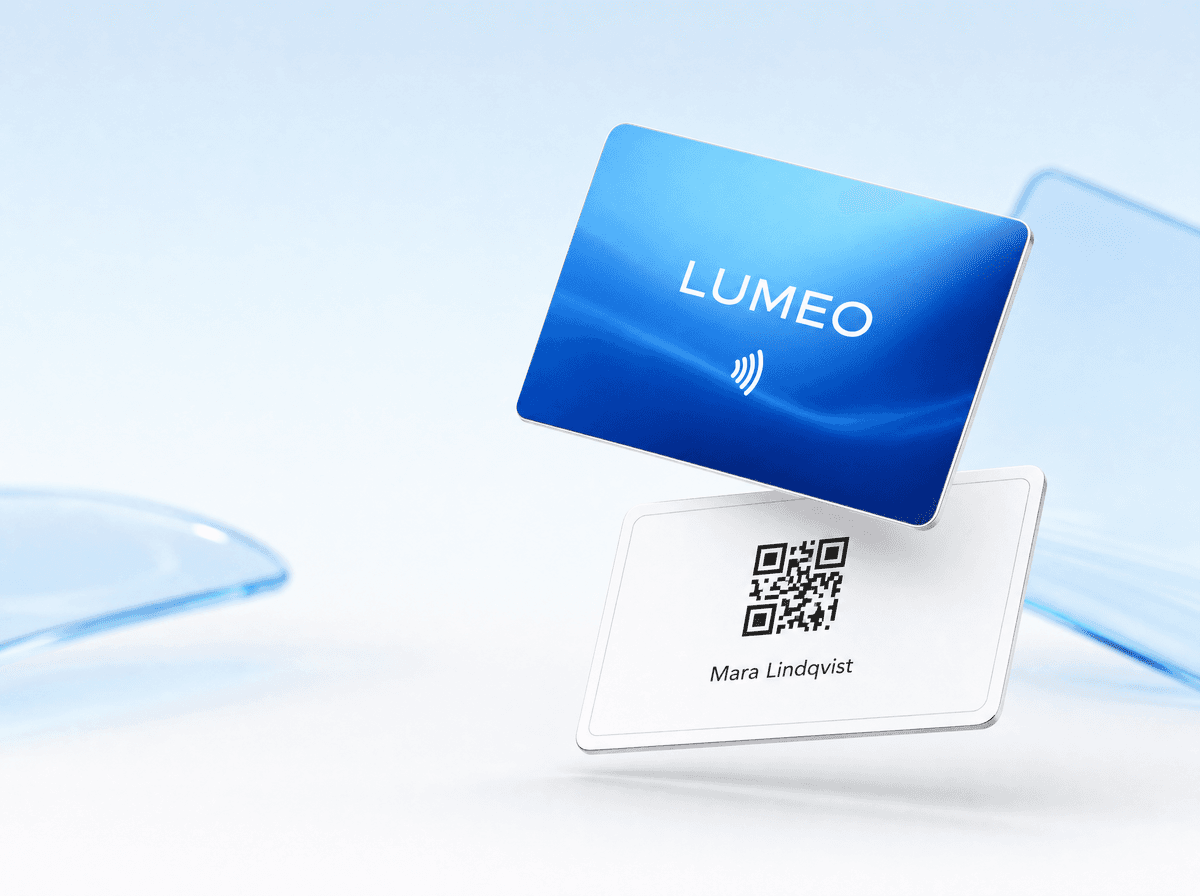






In our digital era, traditional practices are rapidly evolving, and business cards have not been left behind.
The inconvenience of forgetting or running out of physical cards is now a concern of the past, thanks to digital alternatives.
Get ready to learn the straightforward process of sharing your digital business card using just your Android device. It's a convenient, eco-friendly way to ensure you're always prepared to network and make professional connections, no matter where you are.

How to send a Digital Business Card with Google Wallet?
In order to send a digital business card on your iPhone via Google Wallet you first need to upload it:
- Open the Wallet app on the iPhone.
- Tap the “+” option in the top-right corner of the screen.
- Click “Add Card” and Select “Scan Code.”
- Scan the QR code on your digital business card, and after scanning it, your digital business card will be inserted into your Google Wallet.
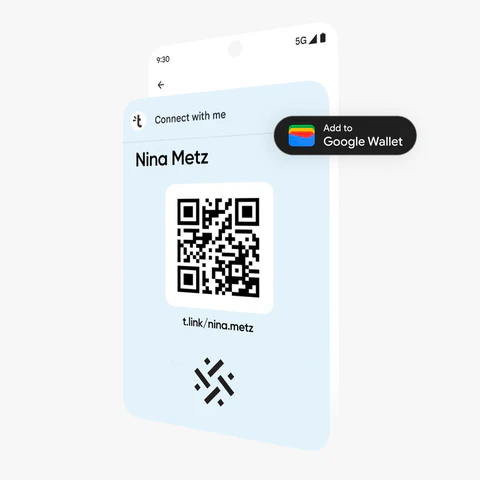
Once you’ve added your digital business card to your Google Wallet, you can send it by scanning the QR code or sending the link via WhatsApp, Message, Mail, etc.
💡ProTip
Did you know that you can easily upload your digital business card to Google Wallet using Tapni?
- Open the Tapni App and click on the Share button in the top right corner.
- Your QR code will pop up offering multiple options, one of them being “Add to Google Wallet.”
Sending an item using Nearby Share
- On your Android device, open Files by Google .
- At the bottom, tap Nearby Share.
- Tap Send .
- Select the files or apps you want to share.
- At the bottom, tap Next.
- Select the person you want to share files with.
- After the files or apps are transferred, you'll be redirected to the “Nearby Share” tab.
How to Send a Digital Business Card on Android Using Tapni?
Tapni is an all-in-one digital solution that can help you create a fully customizable digital card on your iPhone or Android and enable you to have multiple sharing options.
Besides standard sharing options such as:
- Tapping,
- Scanning,
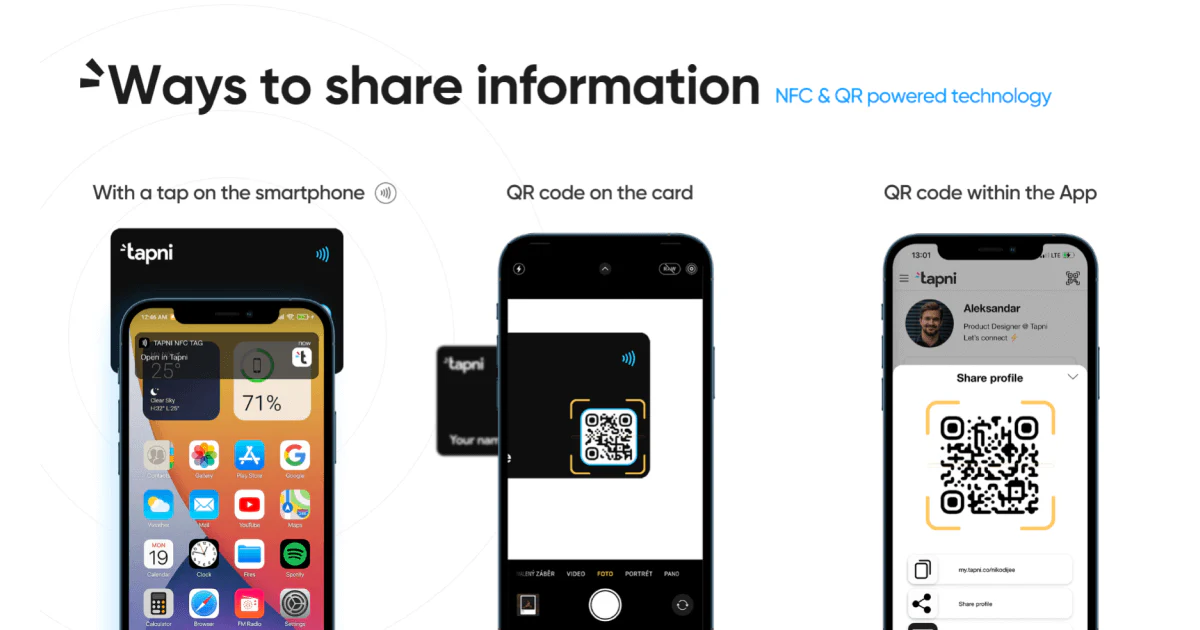
- Sharing via text message,
- Sharing via social media platforms, etc.,
Tapni also provides additional sharing options.
1. How to Send a Digital Business Card on Android with a QR Widget?
Creating a QR Widget enables you to add your profile’s QR code to your home screen and share it without opening the app.
On a Home screen, touch and hold an empty space and find "Widgets". Click on the Tapni app and choose which widget size you want.
(picture)
And that’s it, super easy and practical.
2. How to Send a Digital Business Card on Android as an Email Signature?
Tapni offers a free email signature generator, MailSign, with fully customizable templates you can edit according to your needs.
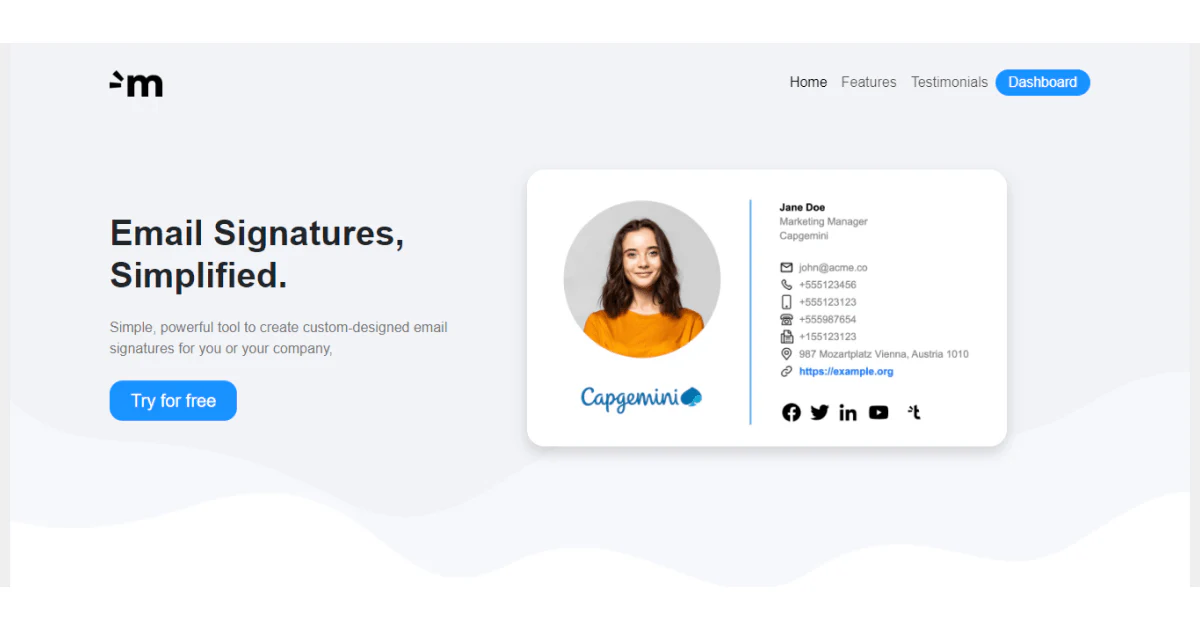
For example, you can adjust the design and include personal and business details, links, CTAs, and professional disclaimers.
Regarding sending your email signature, you’d do it as a regular email signature:
- Going to the Settings of your email provider.
- Choose the General Section and scroll until you see the Signature option.
- Enter the signature name and enter the link.
- Click “OK” and “Save Changes” at the bottom of the page.
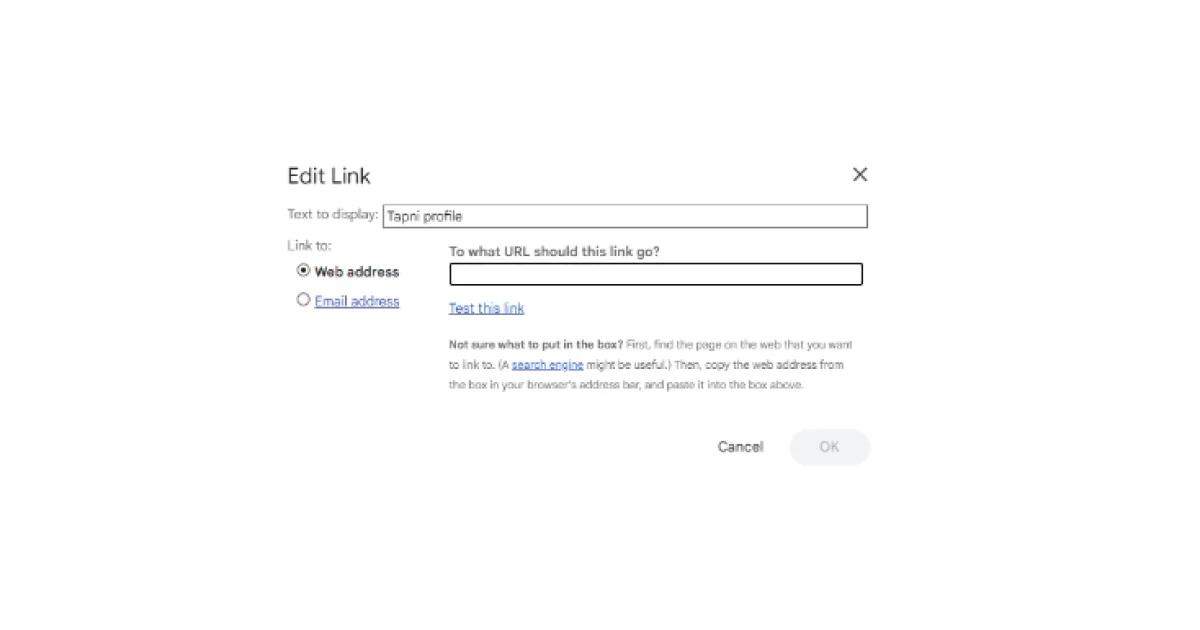
3. How to Send a Digital Business Card on iPhone with QRCode ToolKit?
Tapni’s free QR code generator enables you to create customizable AI-generated QR codes.
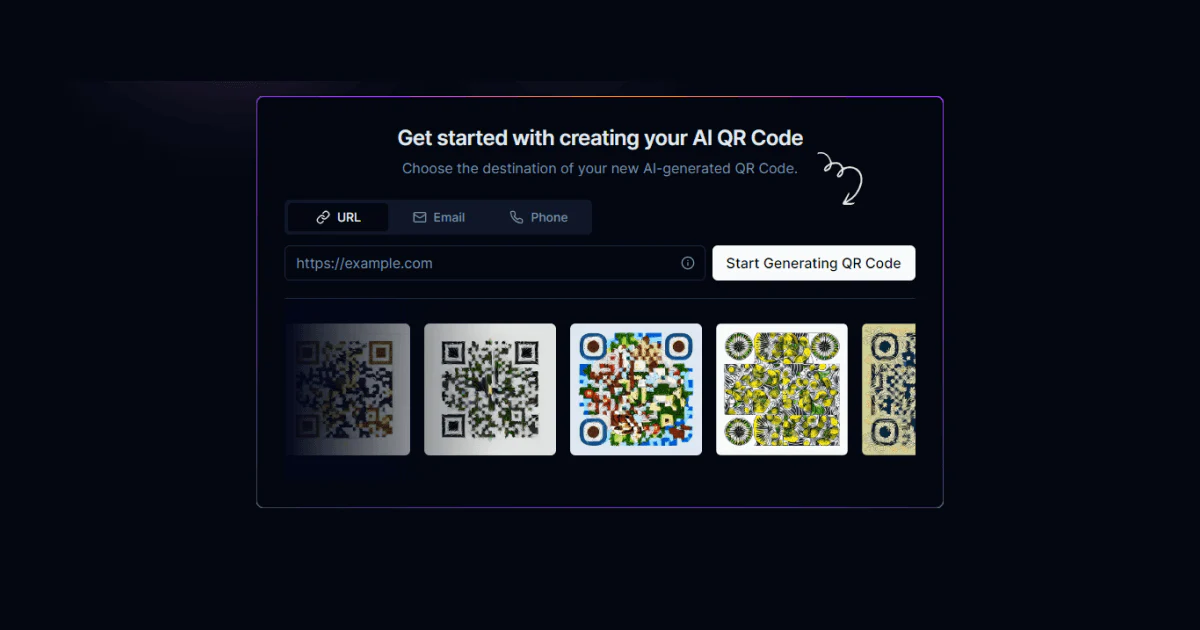
Once you’ve chosen the destination of your QR code, URL, email, or phone and created it, you can download it as a PNG file or share it as a link.
How Can Tapni Help You Master Networking?
Besides multiple sharing options, with Tapni, you can:
✅ Get valuable insights due to robust analytics and tracking tools showing you a number of scans, views, etc., ROI at events, top performers, etc.
✅ Automate lead generation thanks to abundant CRM integrations with Salesforce, HubSpot, etc. - You can use Zapier to sync your data if you store contact info within the Tapni Teams App.
✅ Automate follow-ups and set them as reminders on your iPhone.
✅ Capture new leads via our AI Business Card Scanner and lead capture forms.
✅ And so much more.
Ready to tap into Tapni?
Download the Tapni app today and upgrade your digital networking game.
Keep Learning
How to Print a QR Code on Your iPhone or Android?
The Psychology of Digital Business Cards: How They Leave a Lasting Impression


